- Drawings by Brooks Kim
- Posts
- On My Desk
On My Desk
Here’s what’s currently on my desk, and why I use (or don’t use) them.

brooks kim
June 27, 2025
Today’s not really about drawing itself— I just wanted to share, in a lighter way, what’s on my desk these days. The tools I use matter, of course. But lately I’ve been thinking more about how I use them.
Main Device
▸ 2022 iPad Pro 12.9” (M2, 128GB, Wi-Fi)
▸ Purchased Jan 30, 2023
Film
▸ KEIAN Paper Texture Film (for iPad Pro 12.9”)
I’m not sure if this exact model is sold abroad, but any paper-texture film will work. I like how it gives a soft, dry resistance when drawing—especially for sketching and blocking-in. There’s something about that tactile friction that helps you slow down and make more intentional strokes. Some people prefer smooth glass, but I find that little bit of drag helpful.
🟢 Friction helps with drawing control. The slight resistance of a paper-like surface slows you just enough to make your strokes clearer and more stable—especially useful for form-based drawing.
That said, it’s a personal preference. Some people say it wears down the Apple Pencil nib faster or dulls the screen clarity. For me, the benefits outweigh the tradeoffs.
Stand
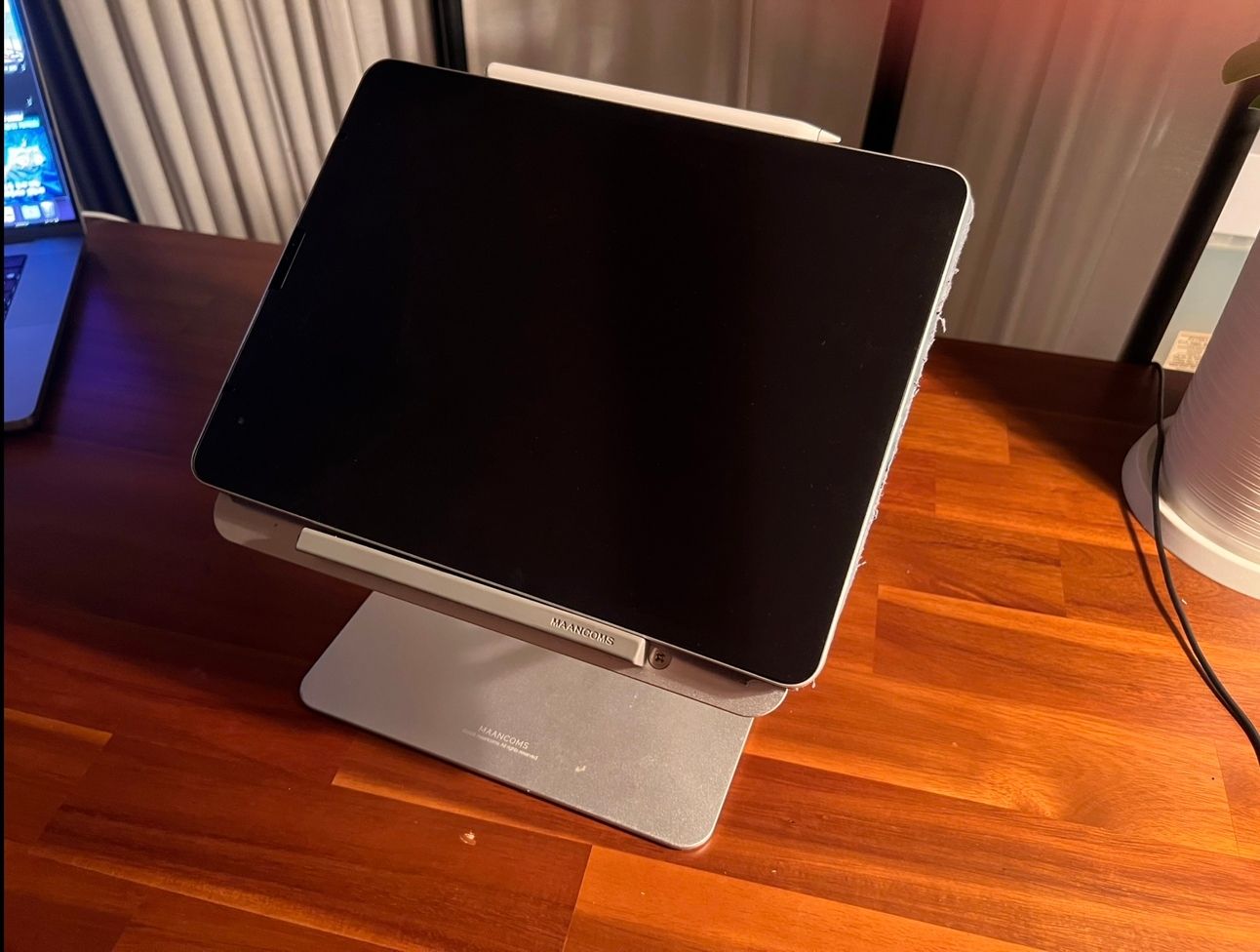
▸ MANCOMS Z-Stand (Aluminum Adjustable Desk Mount)

It’s solid, adjustable, and has never failed me. I keep the iPad at a gentle tilt when I draw. Feels just like working on a traditional drawing desk.
What I Don’t Use Anymore
▸ External keyboard

When I worked on PC, I relied heavily on keyboard shortcuts—brush resizing, tool switching, color picking. It really sped things up.
But now I don’t use a keyboard at all.
Why? Because skipping shortcuts actually made my work more stable.
I pick colors manually. I stick to one or two brush sizes. I don’t jump between tools. And that slowness makes my drawing process more deliberate.
If I pick colors directly from the canvas too early, it muddies the hues. If I change brush sizes constantly, the density becomes uneven.
The more I draw, the more I realize: shortcuts can save time—but they can also break rhythm.

Final Thought
Sometimes what you remove from your workflow matters as much as what you add. It’s not just about tools—it’s about how those tools shape your focus.
If you ever have a question about drawing, process, tools—or anything else—feel free to reply to this email.
Some of your questions might become future newsletter topics.
If I see common patterns, I may gather them into a Q&A issue later on.